Hey guys!!
In this post I will share some lives I participated in where we showed how to version and deploy models and reports in Power BI using Azure DevOps.
This knowledge is essential today, as it brings us a series of benefits in the data project development cycle:
- Possibility of having different environments for development, testing and production, where the customer will actually access it. This also allows data between environments to be different and masked, preventing improper access and leaks in real production data (LGPD)
- Developers only need to have permission in the development environment. This increases security and compliance in the production environment, avoiding undue, incorrect and unapproved changes
- Version control over each change, making it possible to identify when, who and what was changed, and being able to restore a correct version after a wrong change has been made
- Approval control on changes sent in each environment, allowing you to have one or more approvers before the change is published
- Change process is fully automated, avoiding manual errors that would be necessary without DevOps, where the developer would have to modify the files for each environment, remembering to change the connection details and publish to the environment correctly. Any error due to lack of attention could lead to serious problems
- Change governance, ensuring control over everything that is done and changed, even allowing you to create a “Link” between the change made with a ticket to facilitate the identification of what motivated this change
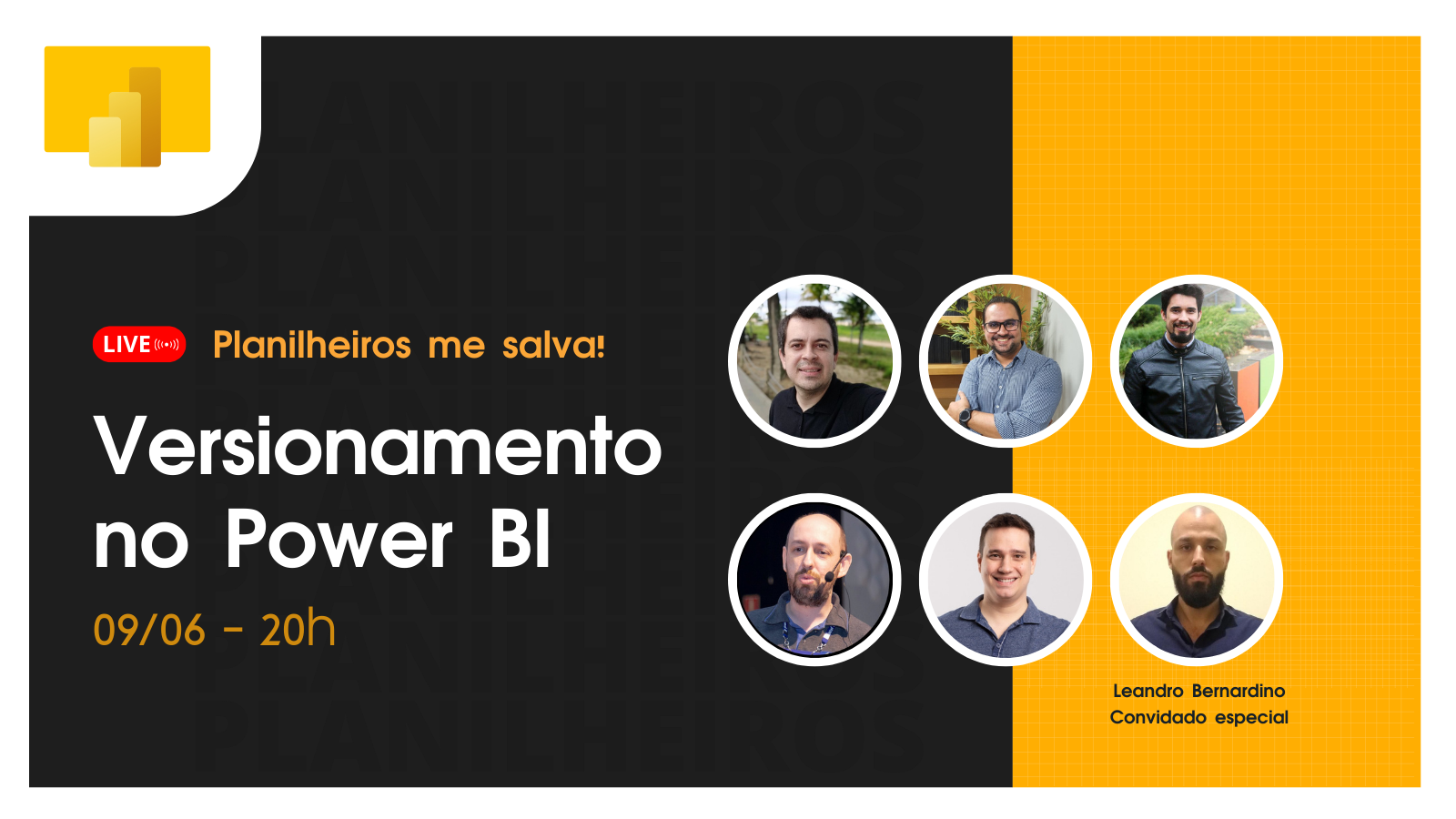
Planilheiros Channel – Versioning in Power BI
In this live, held on 06/09/2022, Leandro Bernardino demonstrated how to version and deploy Models and Reports in Power BI with Azure DevOps in a very practical and intuitive way using Power BI Deployment Pipelines and the entire flow of approvals and release pipelines in Azure DevOps.
.NET Channel – Power BI: versioning your reports with Azure DevOps
In this live, held on 05/11/2022, I demonstrate several ways to version models and reports in Power BI using GitHub, Azure DevOps, Dropbox and much more. I also show how to use git bash, how to version each model object using the Tabular Editor and a BAT script to automate the submission of changes to the repositories and the entire flow of approvals and release pipelines in Azure DevOps.
I hope you enjoy this content and see you next time!

Comentários (0)
Carregando comentários…