
Hey guys!
Goodnight!
In this post, I will comment on some SQL Server extended procedures that are very useful. Until this post, I didn't find any official Microsoft documentation about this, so I decided to comment on it, in addition to demonstrating some examples.
An extended procedure (XP) is a link to a dynamic library (DLL), programmed using the SQL Server Open Data Services API and is used to extend the functionalities of SQL Server. You can use the various procedures that come with SQL Server or create your own extended procedures using the C or C++ programming languages.
Currently, there is not much incentive to use these procedures, as they have been deprecated and should be removed in some future version of SQL Server. The most viable alternative for replacing XP Procedures is the use of procedures SQL CLR.
However, I couldn't miss the opportunity to comment on these SP's, which have always helped me on several occasions and I still see many routines using them.
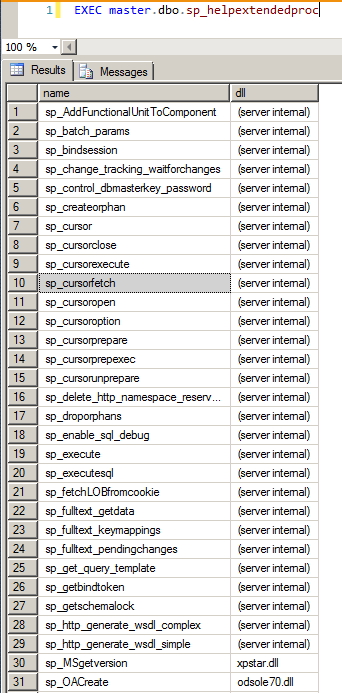
To view the list of extended procedures present in your installation, simply run the command below:
EXEC master.dbo.sp_helpextendedproc
sp_MSgetversion
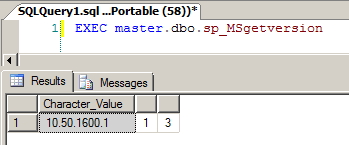
View informationThis procedure can be used to return the current version of SQL Server.
Usage example:
EXEC master..sp_MSgetversion
Workaround:
SELECT @@version
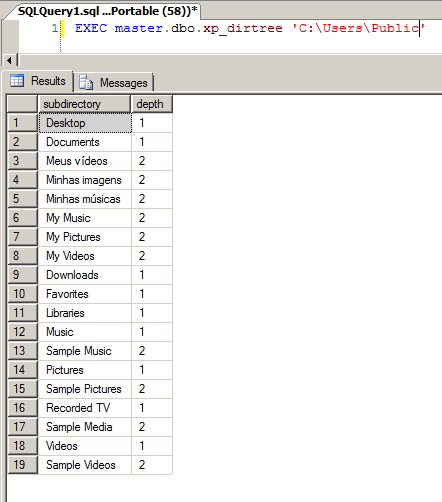
xp_dirtree
View informationUsage example:
EXEC master..xp_dirtree 'C:\'
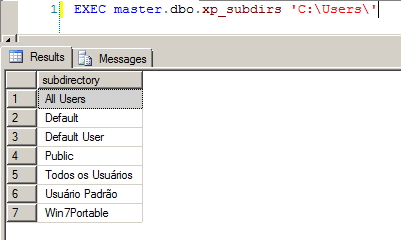
xp_subdirs
View informationUsage example:
EXEC master.dbo.xp_subdirs 'C:\Users\'
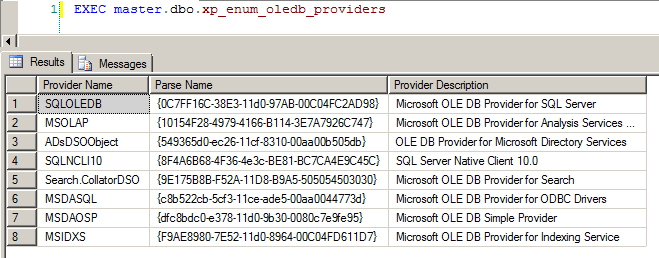
xp_enum_oledb_providers
View informationUsage example:
EXEC master..xp_enum_oledb_providers
xp_enumerrorlogs
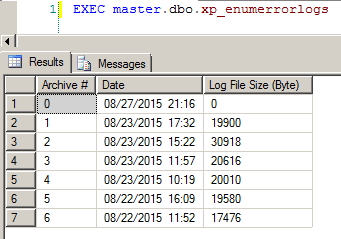
View informationUsage example:
EXEC master.dbo.xp_enumerrorlogs
xp_readerrorlog
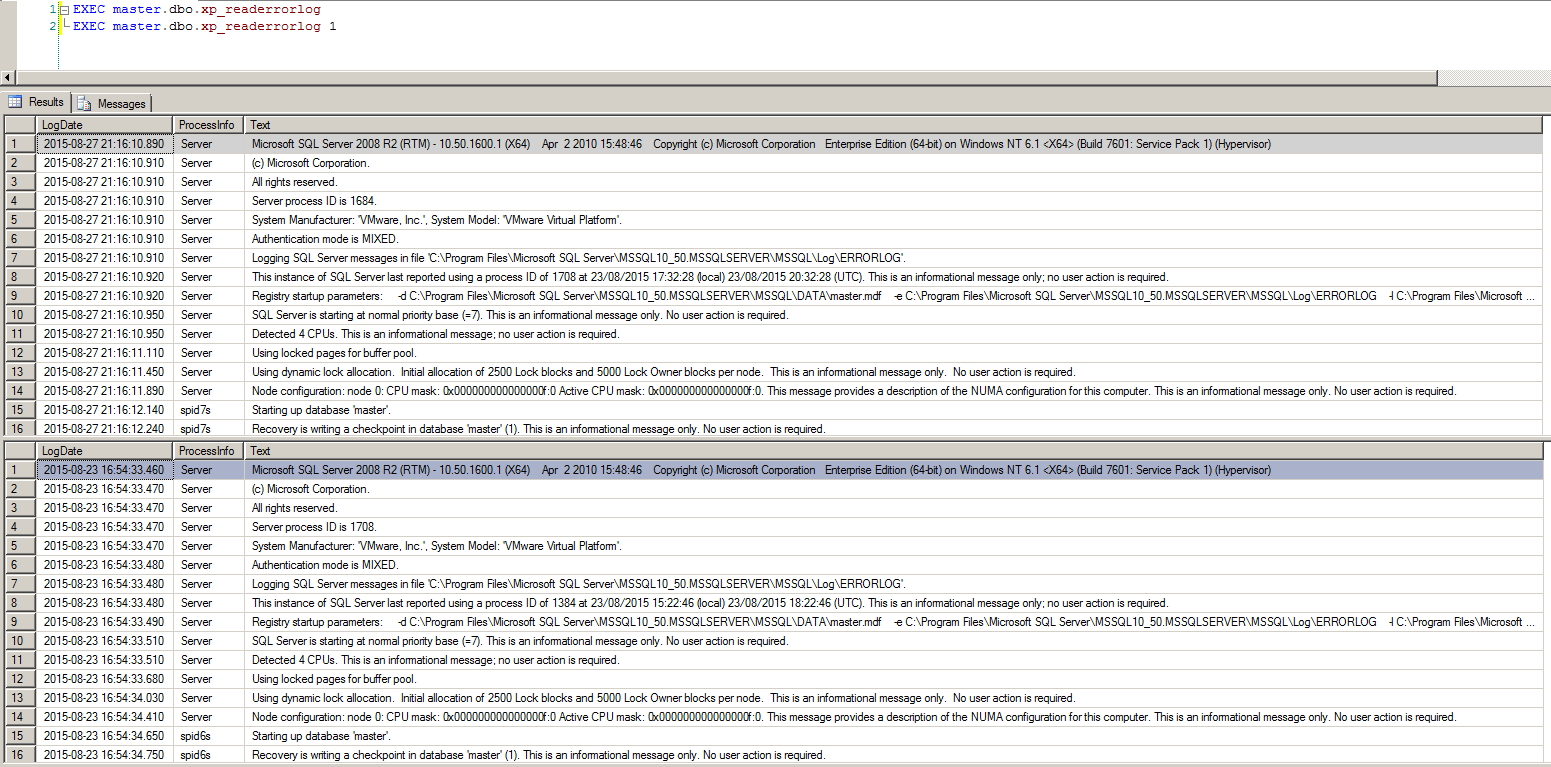
View informationParameter list:
1st parameter: Number of the log file you want to view (0 = Current, 1 = Archive #1, 2 = Archive #2)
2nd parameter: Log file type (1 or NULL for error log, 2 for SQL Agent log)
3rd parameter: The string you would like to search for
4th parameter: Another string to refine the already filtered result
5th parameter: Log start date
6th parameter: Log end date
7th parameter: Ordering of results (‘asc’ = ascending, ‘desc’ = descending)
Usage example:
EXEC master..xp_readerrorlog -- Log atual
EXEC master..xp_readerrorlog 1 -- Log #1
EXEC master..xp_readerrorlog 0, 1, N'Starting up', 'master', NULL, NULL, N'asc'
xp_logevent
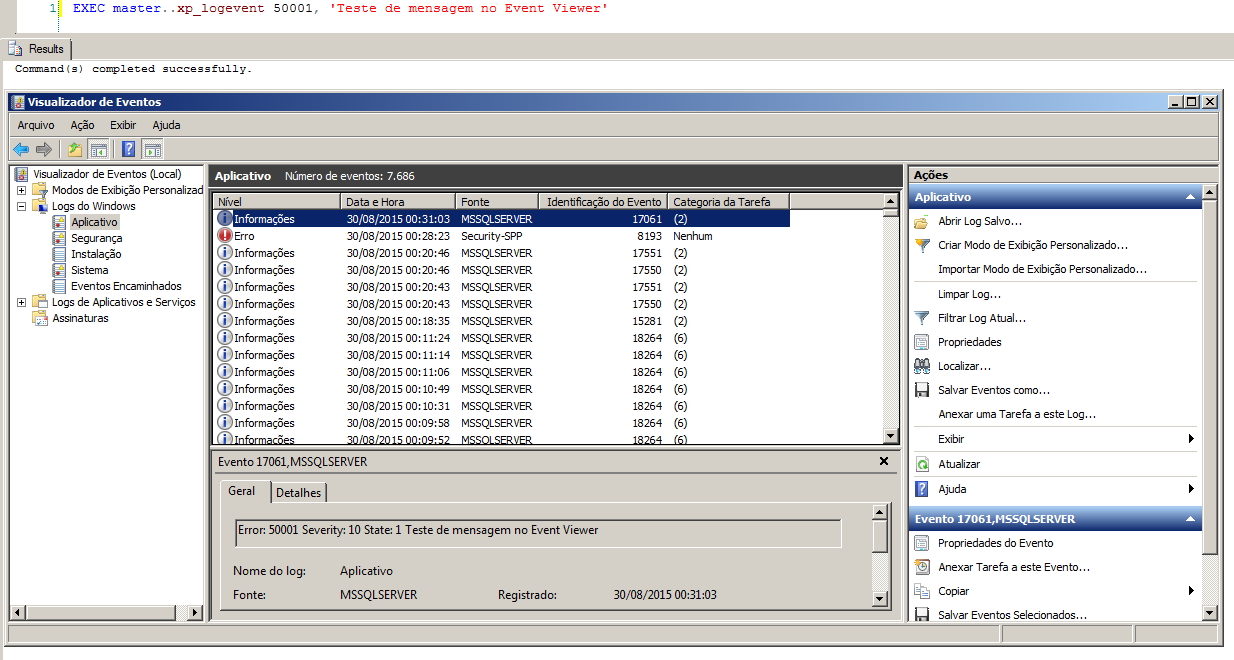
View informationUsage example:
EXEC master..xp_logevent 50001, 'Teste de mensagem no Event Viewer', 'INFORMATIONAL' -- INFORMATIONAL, WARNING, ERROR
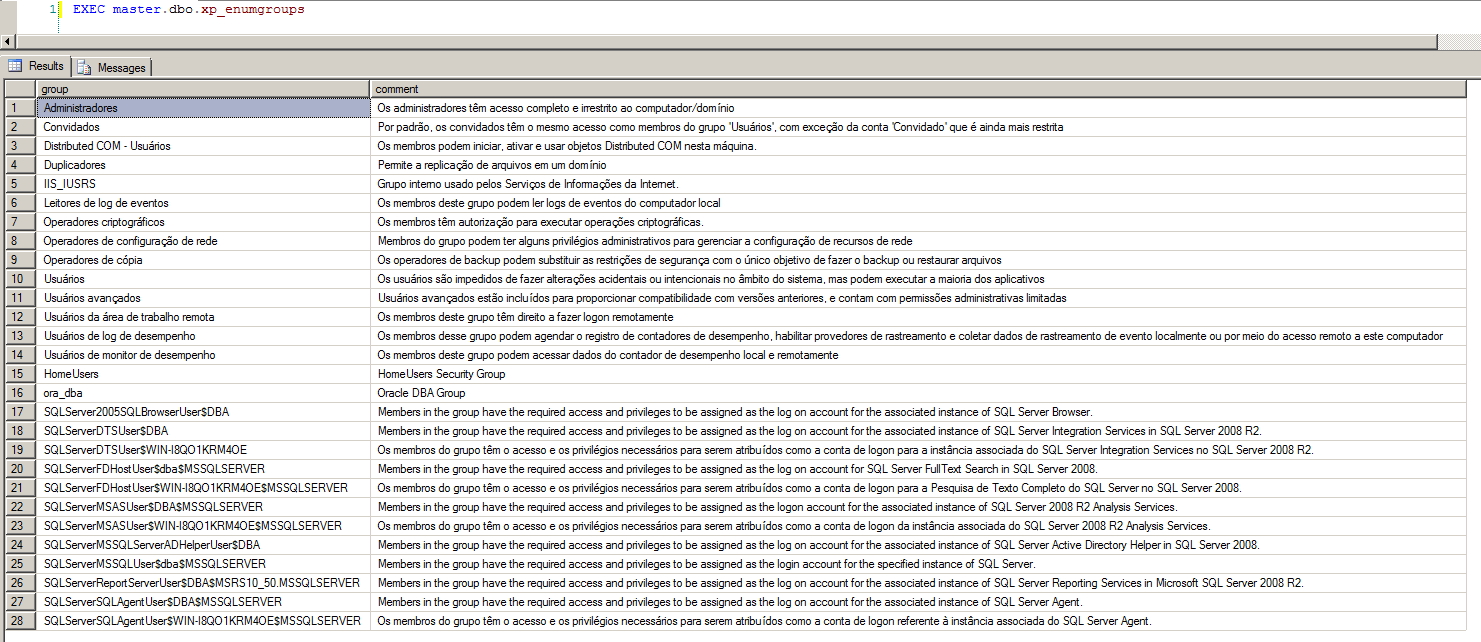
xp_enumgroups
View informationUsage example:
EXEC master..xp_enumgroups
xp_fileexist
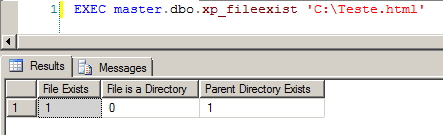
View informationUsage example:
EXEC master.dbo.xp_fileexist 'C:\Teste.html'
xp_create_subdir
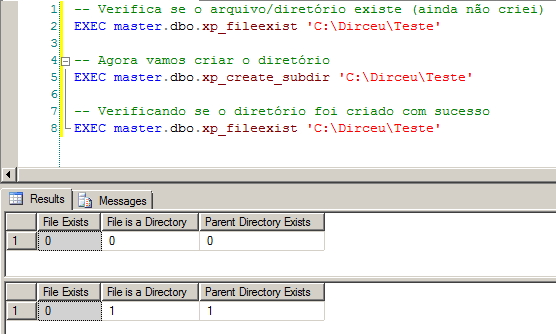
View informationUsage example:
EXEC master.dbo.xp_create_subdir 'C:\Dirceu\Teste'
xp_delete_file
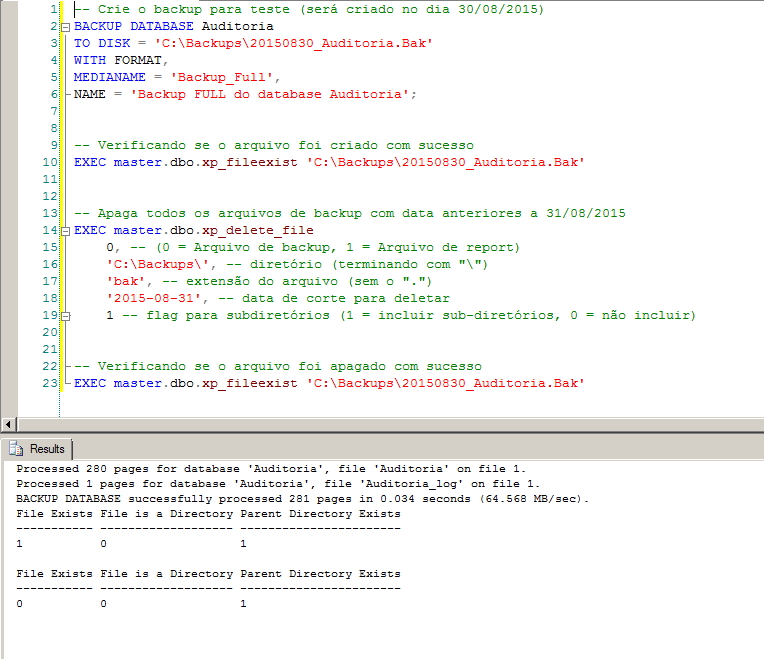
View informationUsage example:
EXEC master.dbo.xp_delete_file
    0, -- (0 = Arquivo de backup, 1 = Arquivo de report)
    'C:\Backups\', -- diretório (terminando com "\")
    'bak', -- extensão do arquivo (sem o ".")
    '2015-08-31', -- data de corte para deletar
    1 -- flag para subdiretórios (1 = incluir sub-diretórios, 0 = não incluir)
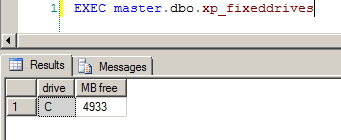
xp_fixeddrives
View informationUsage example:
EXEC master.dbo.xp_fixeddrives
xp_availablemedia
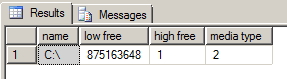
View informationUsage example:
EXEC master.dbo.xp_availablemedia
xp_getnetname
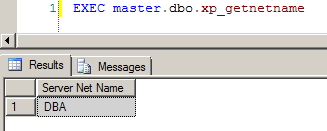
View informationUsage example:
EXEC master..xp_getnetname
xp_regdeletekey
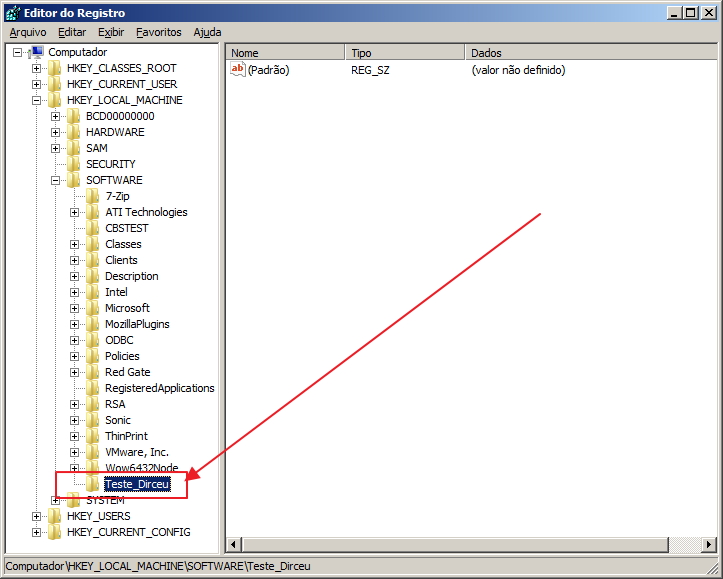
View informationUsage example:
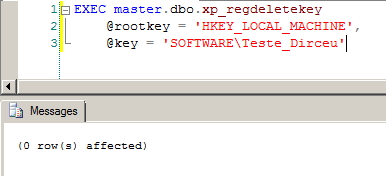
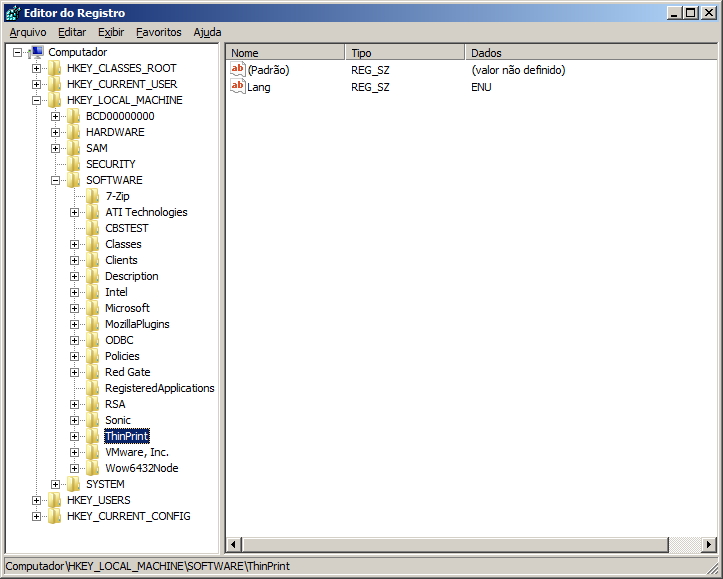
EXEC master.dbo.xp_regdeletekey
    @rootkey = 'HKEY_LOCAL_MACHINE',
    @key = 'SOFTWARE\Teste_Dirceu'
xp_regdeletevalue
View informationUsage example:
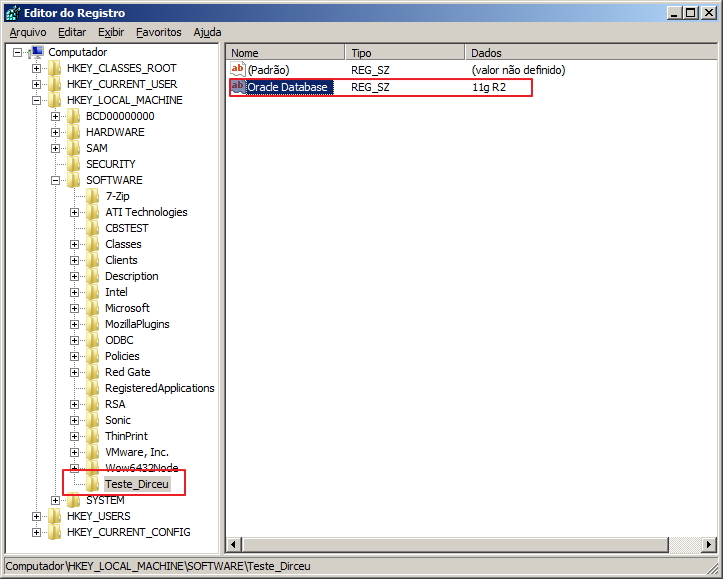
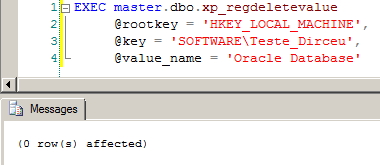
EXEC master.dbo.xp_regdeletevalue
     @rootkey = 'HKEY_LOCAL_MACHINE',
     @key = 'SOFTWARE\Teste_Dirceu',
     @value_name = 'Oracle Database'

xp_regread
View informationUsage example:
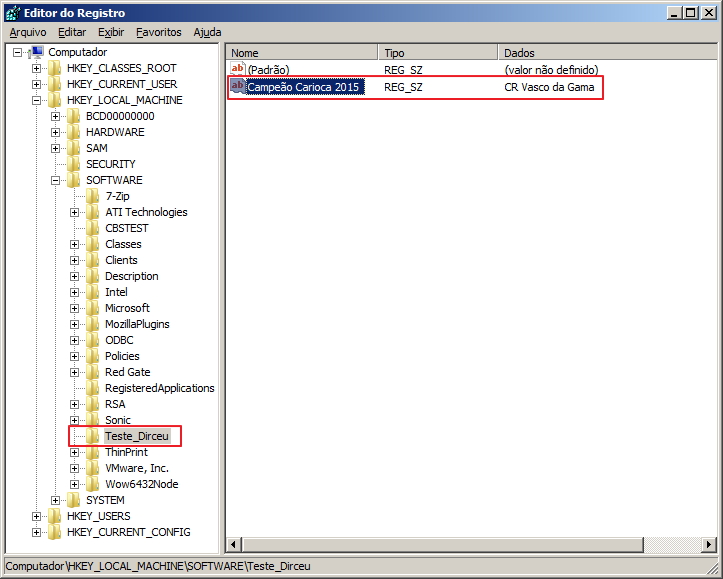
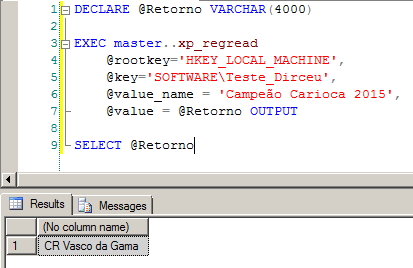
DECLARE @Retorno VARCHAR(4000)

EXEC master..xp_regread
	@rootkey='HKEY_LOCAL_MACHINE',
	@key='SOFTWARE\Teste_Dirceu',
	@value_name = 'Campeão Carioca 2015',
	@value = @Retorno OUTPUT

SELECT @Retorno
xp_regwrite
View informationUsage example:
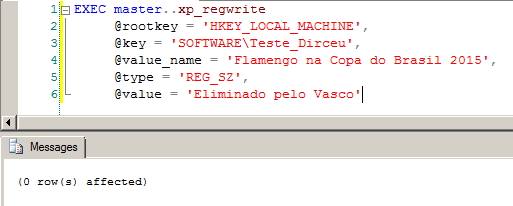
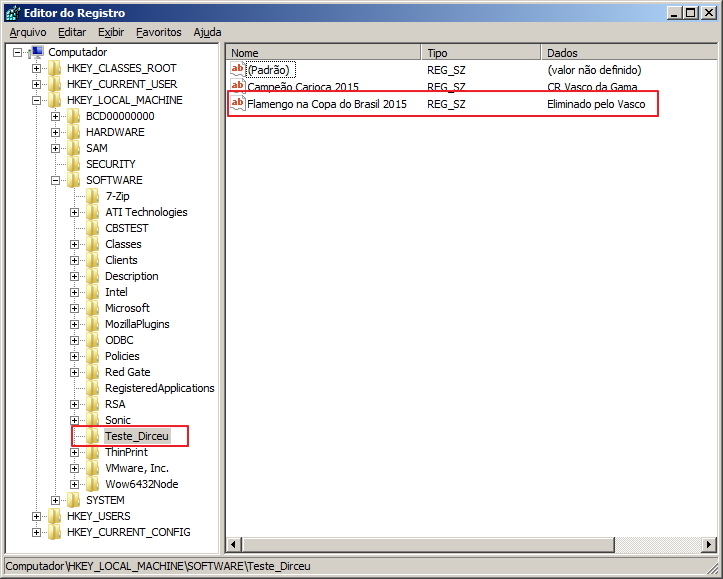
EXEC master..xp_regwrite
     @rootkey = 'HKEY_LOCAL_MACHINE',
     @key = 'SOFTWARE\Teste_Dirceu',
     @value_name = 'Flamengo na Copa do Brasil 2015',
     @type = 'REG_SZ',
     @value = 'Eliminado pelo Vasco'
xp_cmdshell
View informationTo use this command, it is necessary to enable this feature, as if misused, it can seriously damage your installation:
EXEC sp_configure 'show advanced options', 1
GO
RECONFIGURE
GO
EXEC sp_configure 'xp_cmdshell', 1 -- 0 para desativar
GO
RECONFIGURE
GO
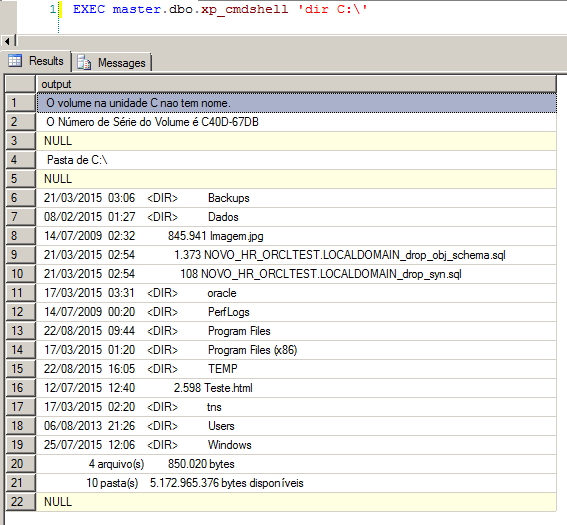
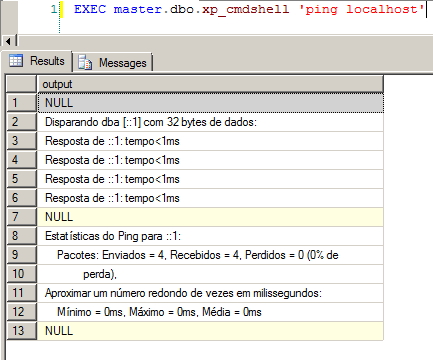
Usage example:
EXEC master.dbo.xp_cmdshell 'dir C:\'
EXEC master.dbo.xp_cmdshell 'ping localhost'
sql server clr xp extended procedures native dll
sql server clr xp extended procedures native dll

Comentários (0)
Carregando comentários…